Inside the vault
Simple on the surface.
Simple on the surface.
Serious underneath.




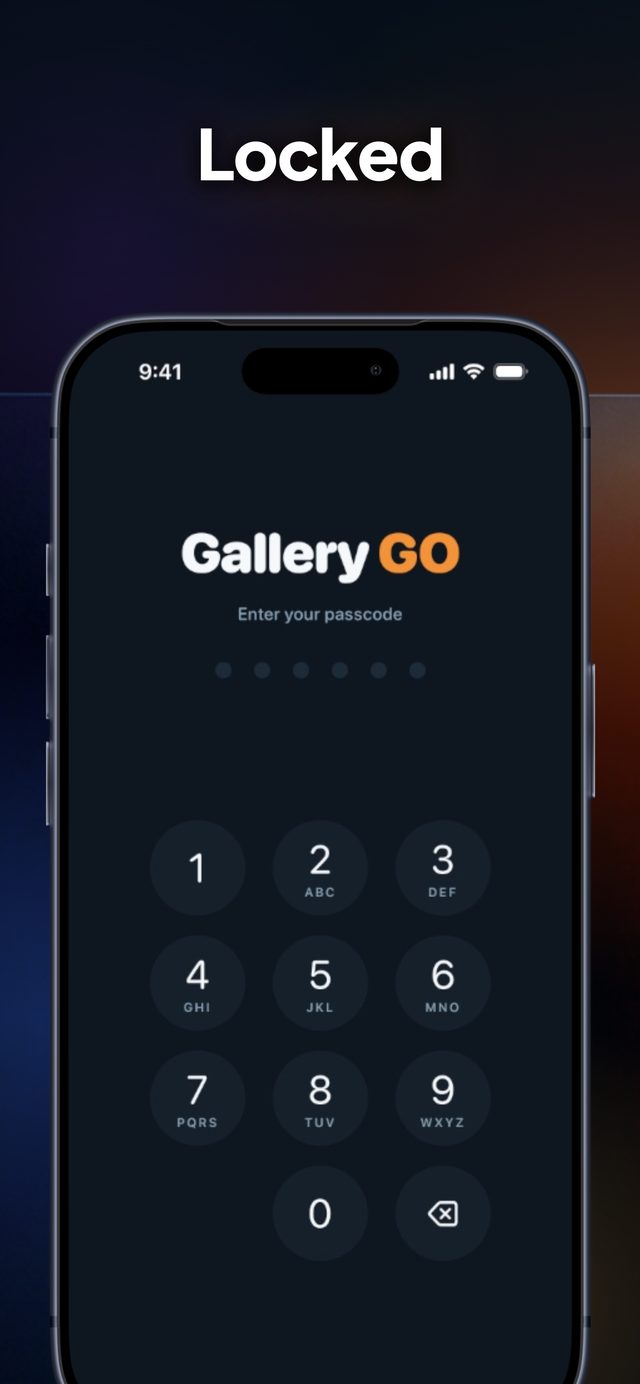
Gallery GO keeps your personal photos and videos behind a passcode and Face ID — right on your device. No cloud. No accounts. No second copy anywhere.
iPhone & iPad · iOS 18 or later
Built for the photos and videos you keep to yourself — nothing more, nothing missing.
Your own 6-digit passcode plus Face ID or Touch ID. The vault locks itself the moment you leave the app.
Media lives in the app's own private storage on your phone. No cloud uploads, no accounts, no copies.
Organize memories into folders with key images. Import from Photos, your camera, or a USB drive.
Browse edge-to-edge thumbnails from 2 to 8 columns with a simple pinch. Your density sticks.
Fullscreen slideshows with Dissolve, Slide, Zoom or Cut transitions — photos and videos alike, with shuffle and repeat.
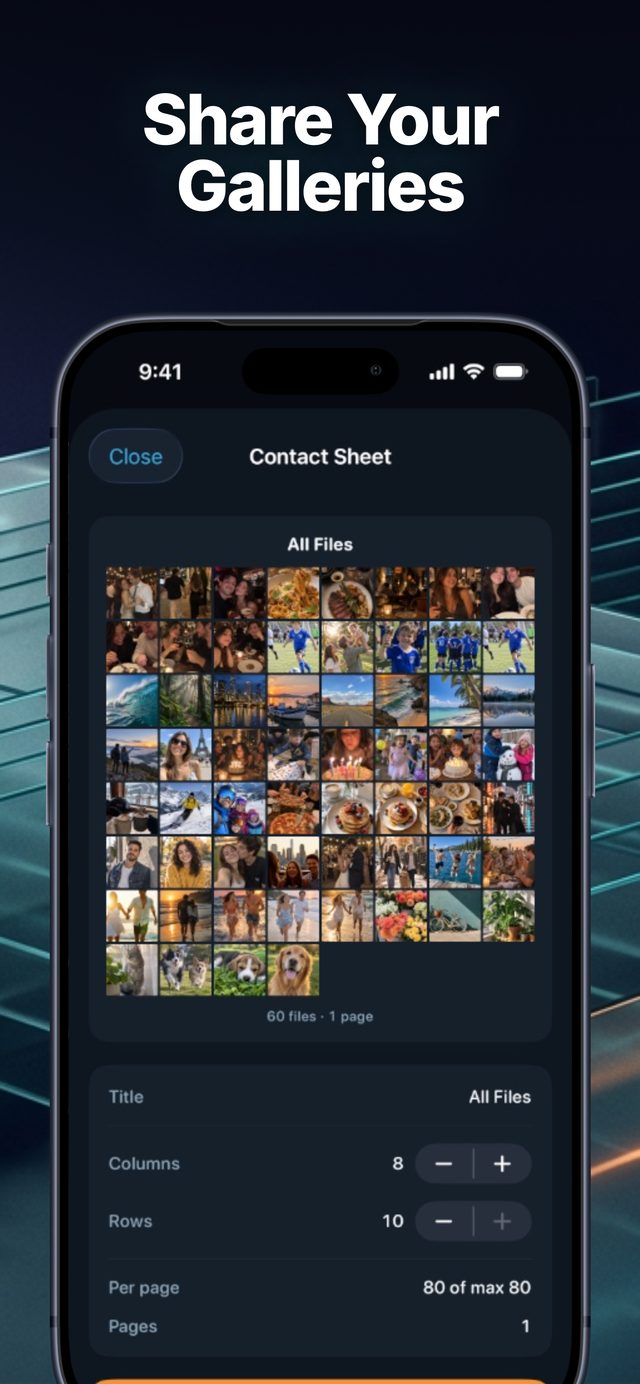
Turn any folder into a classic contact-sheet PDF — up to 80 frames per page — ready to share or print.
No subscriptions, no in-app purchases, no file caps, no ads. Everything Gallery GO does is yours from the first launch.
No. Gallery GO is a vault, not a cloud. Media you import is stored only inside the app on your device. There are no servers holding your memories, no accounts, and no sync.
Like any on-device vault, deleting the app deletes its contents. Export anything you want to keep first — contact sheets and sharing make that easy. This is why there is no hidden cloud copy: nobody else holds your media, including us.
Yes, completely free. There are no subscriptions, no in-app purchases, no ads, and no cap on how many photos and videos you can keep. The only limit is your device's storage.
Yes — any folder can be turned into a classic contact-sheet PDF, up to 80 frames on a single page, then shared or printed however you like.
Yes. Gallery GO runs natively on iPhone and iPad, in portrait and landscape, with layouts that adapt to each screen.
By design, there is no backdoor. If you forget your passcode and Face ID fails, the vault cannot be opened — that's what makes it private. Choose a code you'll remember.
Found a bug, or just have a question? Open an issue on our public repository and we'll get back to you:
Support on GitHub — open an issue
Before writing in: the vault starts empty by design. Import your first photos from your photo library, camera roll, or a USB drive using the buttons at the bottom of the home screen.
Last updated: September 24, 2026 · Applies to the Gallery GO Vault iOS app
Your media never leaves your device. Gallery GO has no servers, no cloud storage, no accounts, no analytics, and no in-app purchases. No data about you or your media ever leaves your phone.
Every photo and video you import is stored in the app's private storage on your device only. Your passcode is stored in the device's secure enclave-backed keychain. Nothing about your media — not thumbnails, not file names, not counts — is transmitted to us or to any third party. We could not look at your media even if we wanted to: we have no access.
Gallery GO is free and contains no subscriptions or in-app purchases. The app includes no third-party SDKs, so no identifiers, receipts, or usage data are sent to us or to anyone else.
The app requests access to your photo library, camera, and microphone only when you use the matching import or capture features. You can deny any permission; the app degrades gracefully and never sends anything anywhere regardless.
Biometric unlocking is performed entirely by iOS. Gallery GO never sees or stores your biometric data. The app locks automatically whenever it goes to the background.
Gallery GO is not directed at children under 13 and collects no personal information from anyone — child or adult.
All of your data is on your device. Delete media inside the app, or delete the whole app, and everything is gone — instantly and permanently.
If this policy changes, the new version will be posted on this page with an updated date. Material changes will also be noted in the app's release notes.
Questions about privacy? Reach us via the support section above.